
Shape the beat
Use 1-16 beats per bar, strong, normal, and muted accents, plus quarter, eighth, triplet, and sixteenth subdivisions.
 iPhone, iPad, Apple Watch, and widgets
A precise, quiet metronome for daily practice. Set tempo fast, shape the beat, save presets, train speed gradually, and keep time from iPhone, iPad, or Apple Watch.
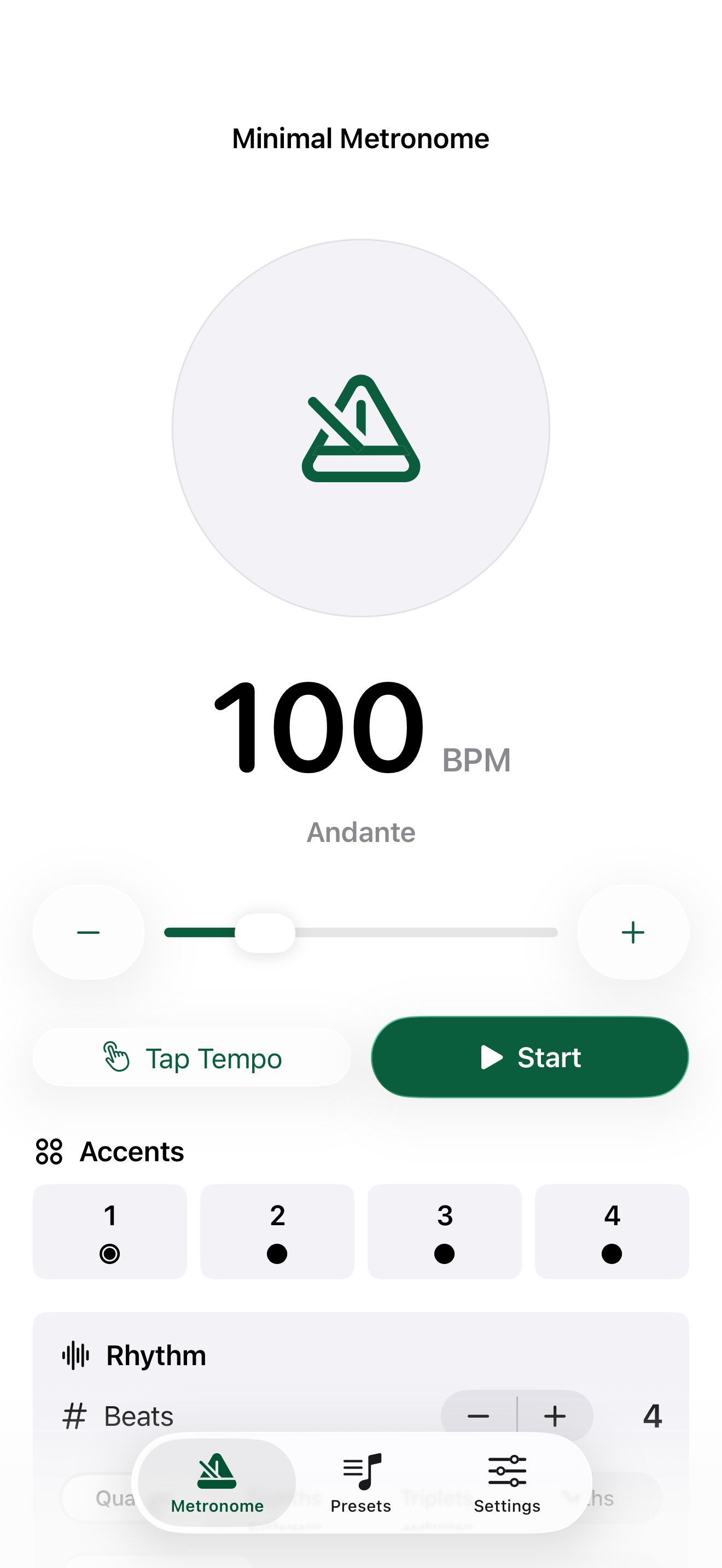
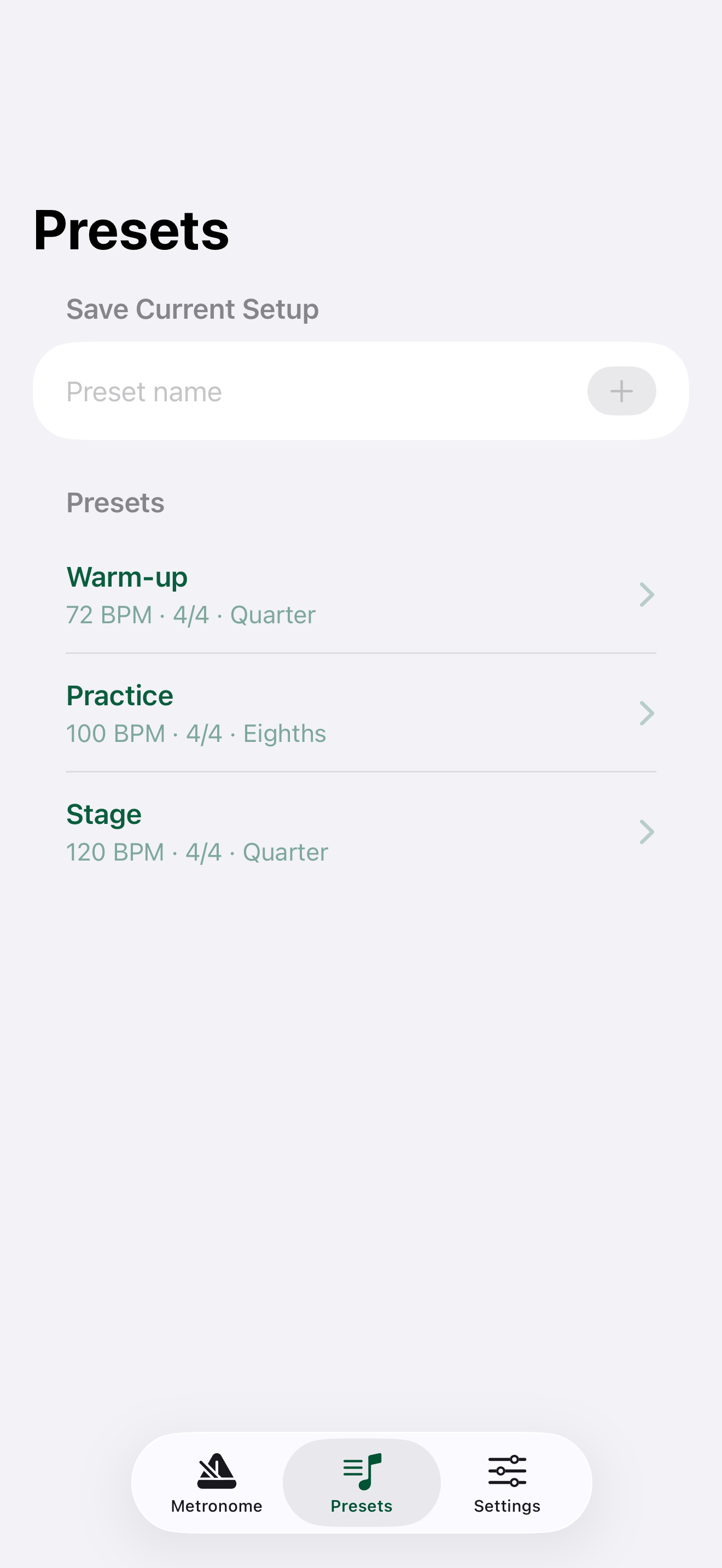
Minimal Metronome keeps the core controls close: BPM, tap tempo, start and stop, beat accents, subdivisions, sound, haptics, and tempo training are all designed for quick repeated use.
Use 1-16 beats per bar, strong, normal, and muted accents, plus quarter, eighth, triplet, and sixteenth subdivisions.
Tempo Trainer can raise BPM every chosen number of bars until your target tempo is reached.
Apple Watch supports metronome playback with haptic ticks and a simple on/off control for silent practice.
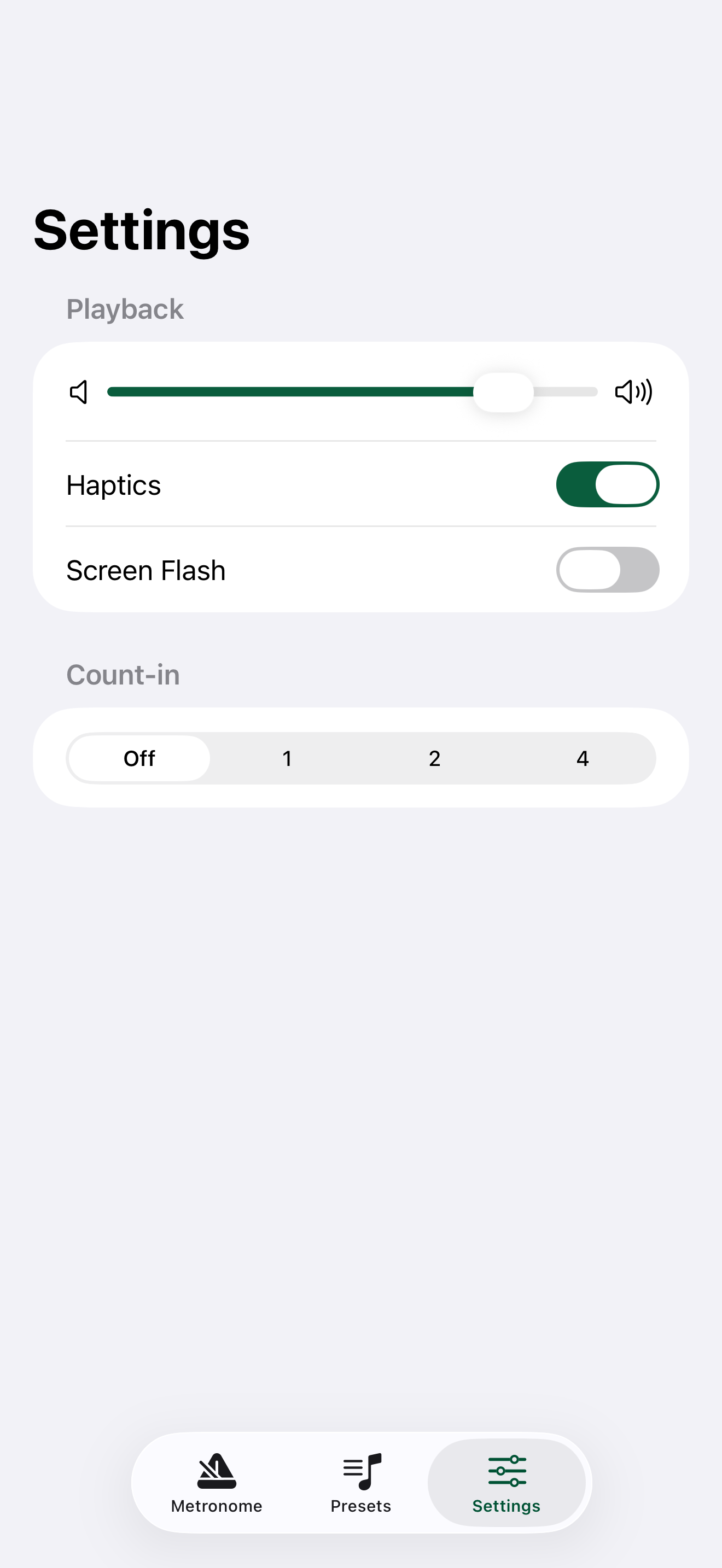
The app keeps the main metronome, saved presets, and settings separated so the first screen stays usable during practice.
The app favors predictable timing tools over accounts, feeds, lessons, or marketplace features. Open it, set the beat, and practice.
Minimal Metronome stores presets and settings locally, uses native Apple platform controls, and keeps support and privacy information easy to find.
Saved tempos and practice settings live on your device for fast reuse.
Apple Watch keeps core controls available from the wrist, including haptic on/off.
For help, contact Jin Factory through the support page or App Store support link.