
Bring calendars together
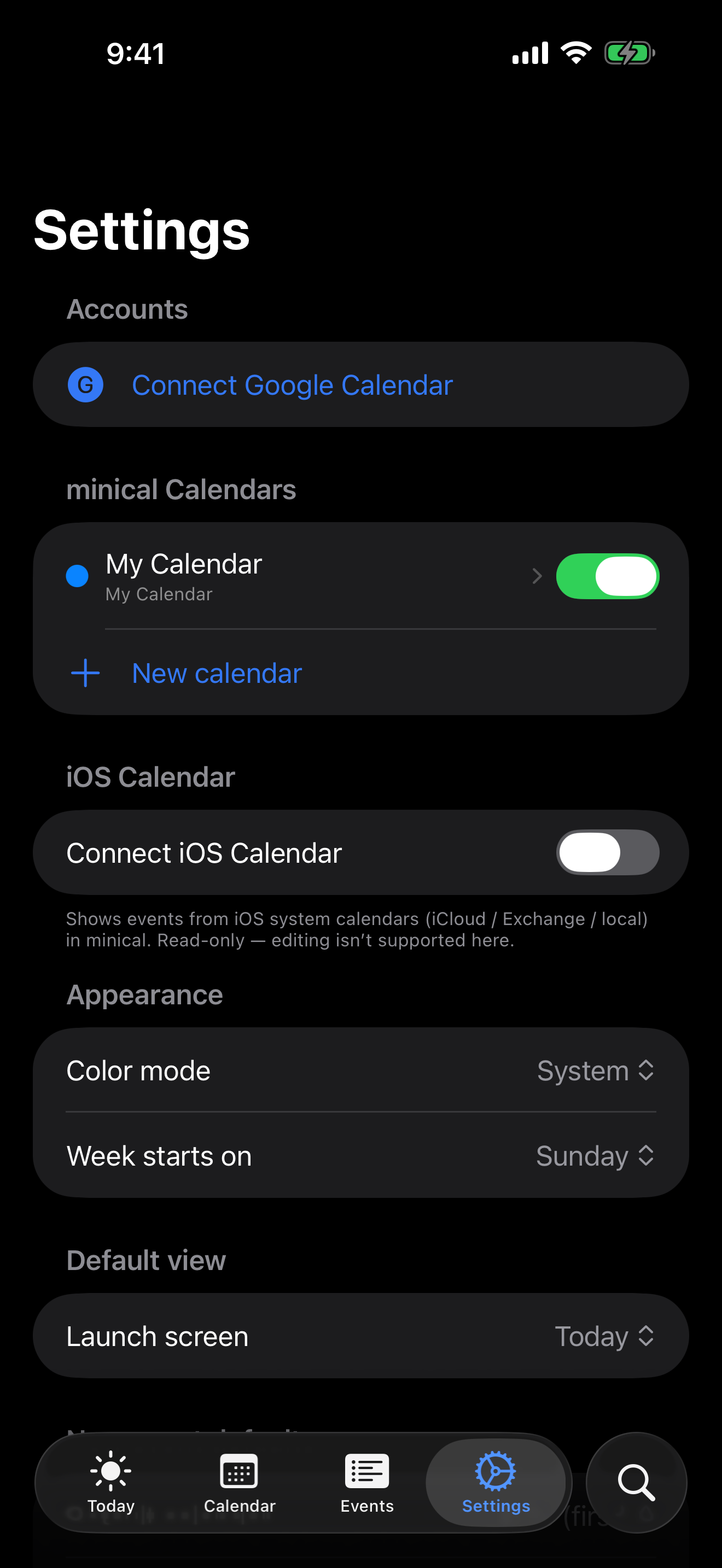
Show local minical events, iOS system calendars, and optional Google Calendar events in one calm schedule.
 iPhone, iPad, Apple Watch, and widgets
A quiet calendar for seeing the day, the month, and the next thing without turning schedule management into a project. Connect iOS Calendar or Google Calendar, keep local events in the app, and use widgets and Watch views for fast checks.
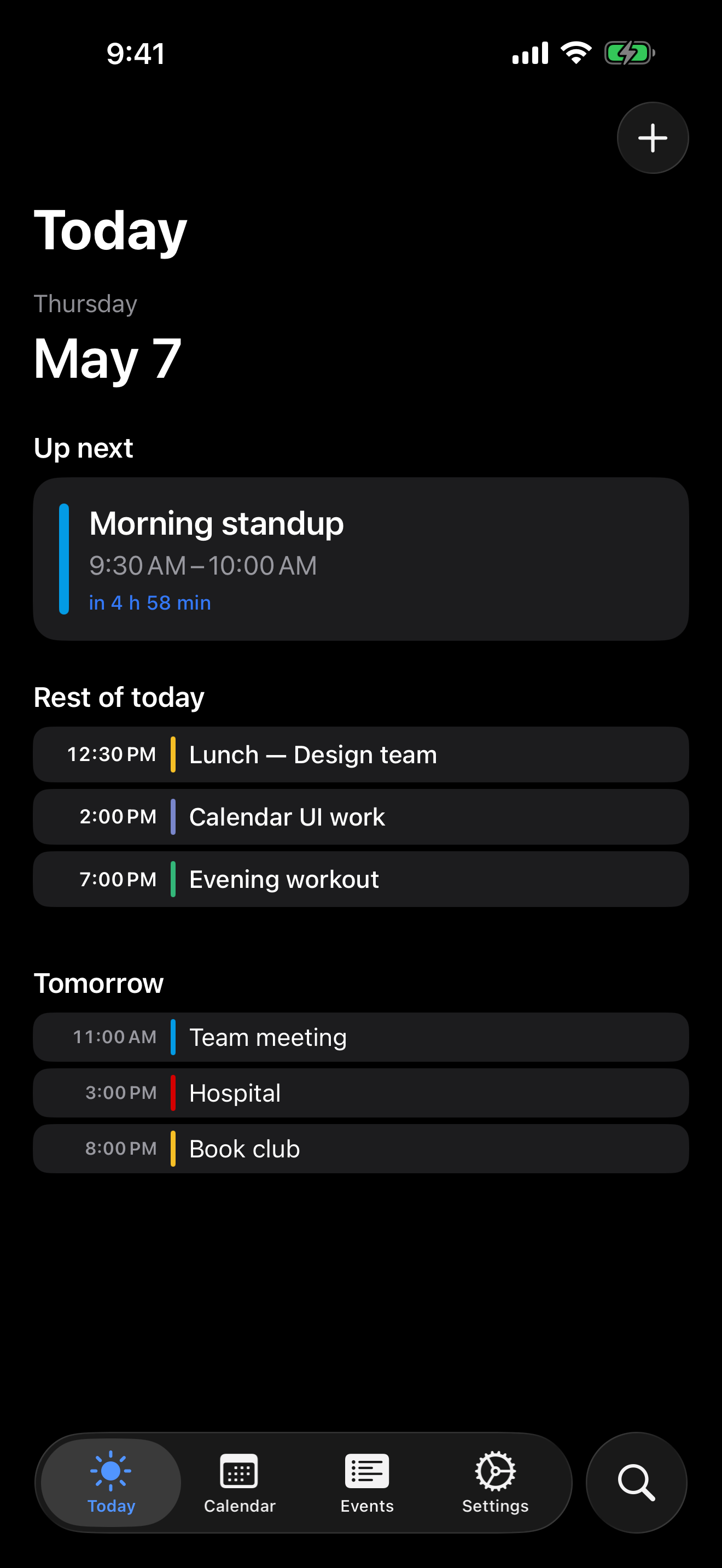
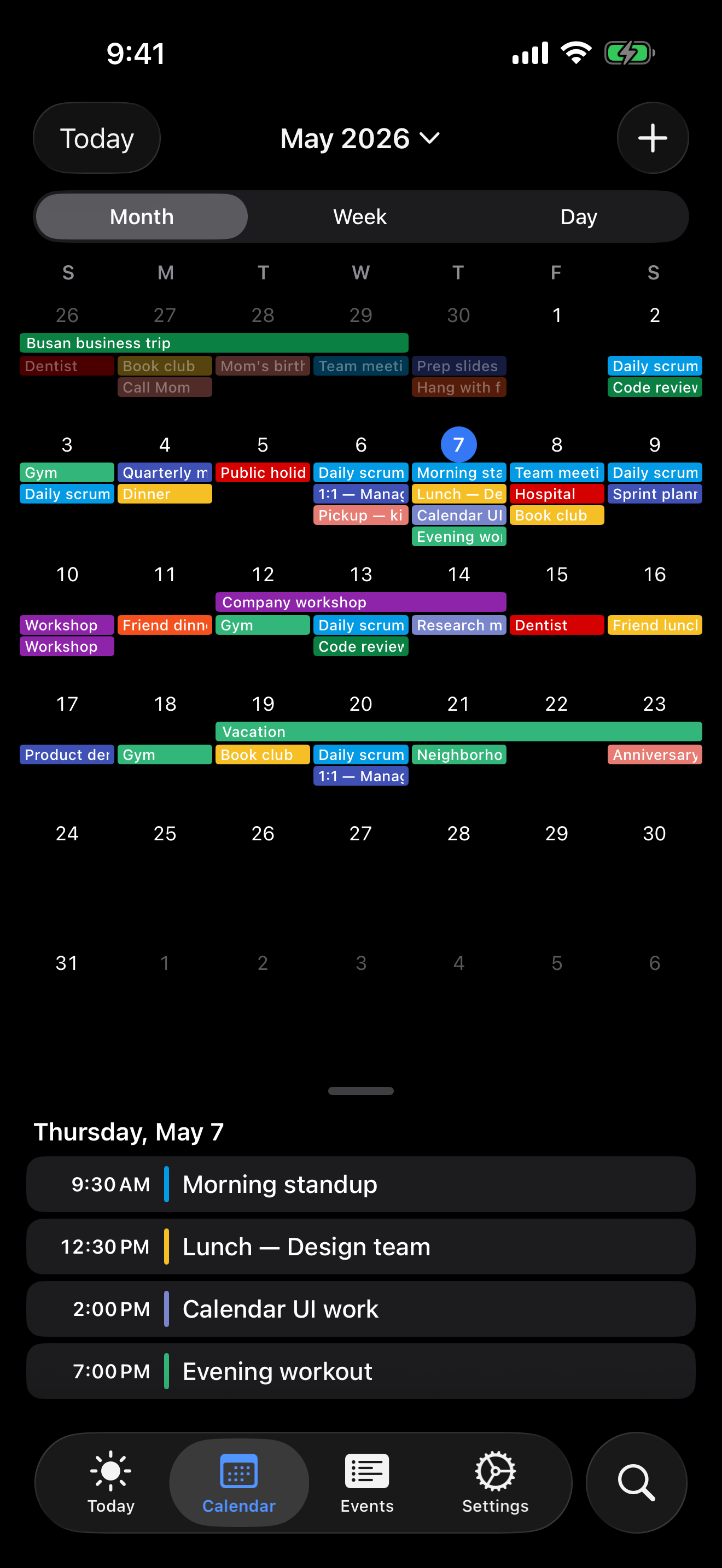
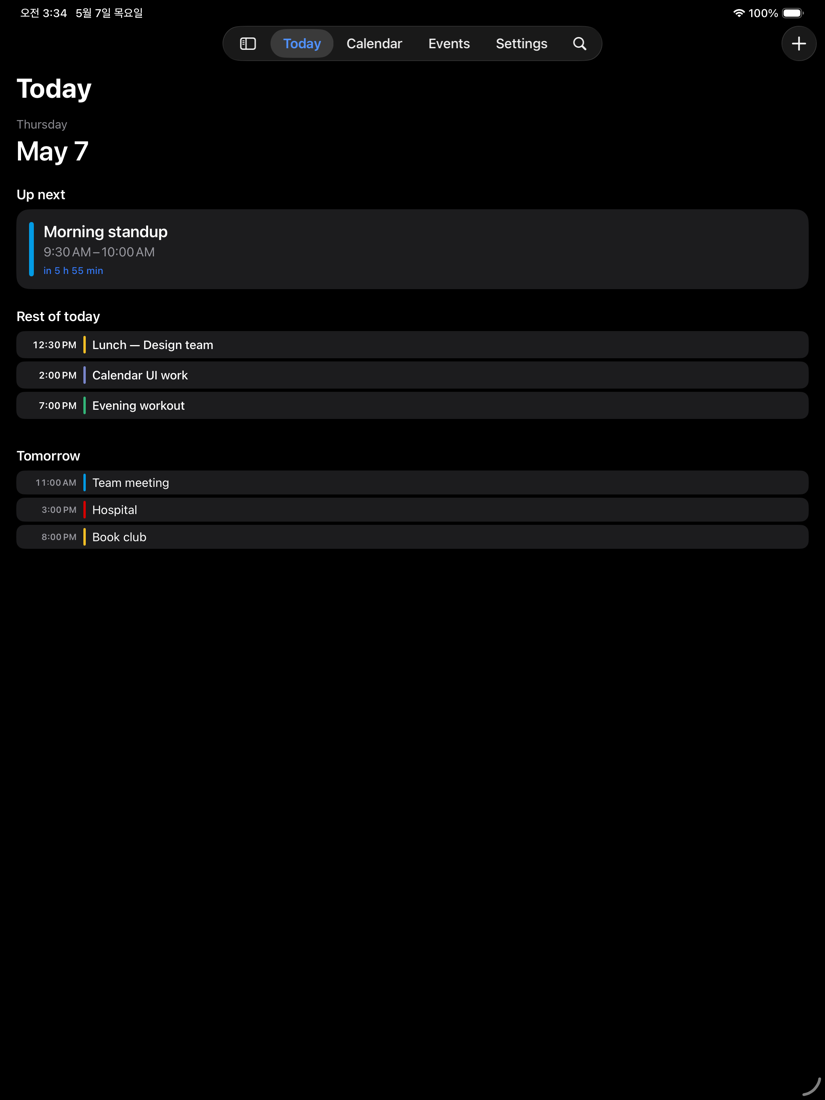
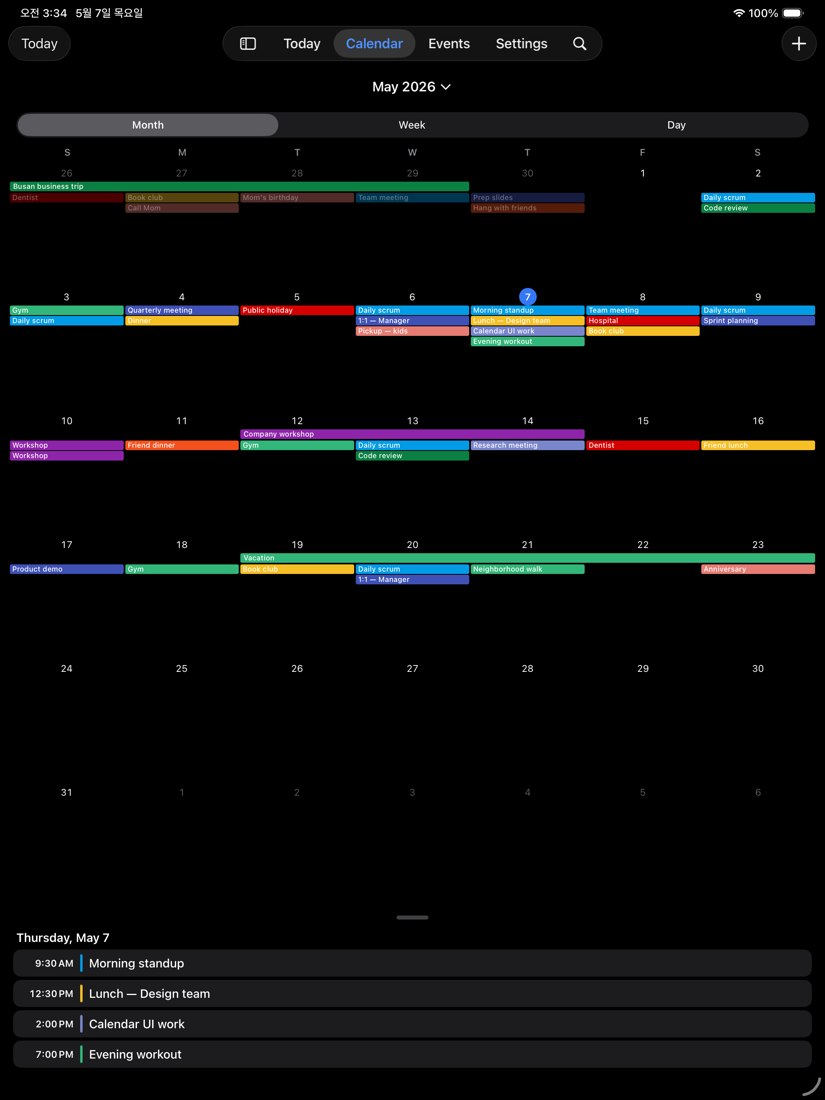
minical keeps the core calendar surfaces direct: Today for the immediate schedule, Calendar for month, week, and day views, Agenda for scanning upcoming events, and Search for finding plans quickly.
Show local minical events, iOS system calendars, and optional Google Calendar events in one calm schedule.
Connect Google Calendar only when you want it. minical uses Google access to show and sync calendar events at your direction.
No ads, analytics SDKs, developer backend, account requirement, or third-party tracking SDKs.
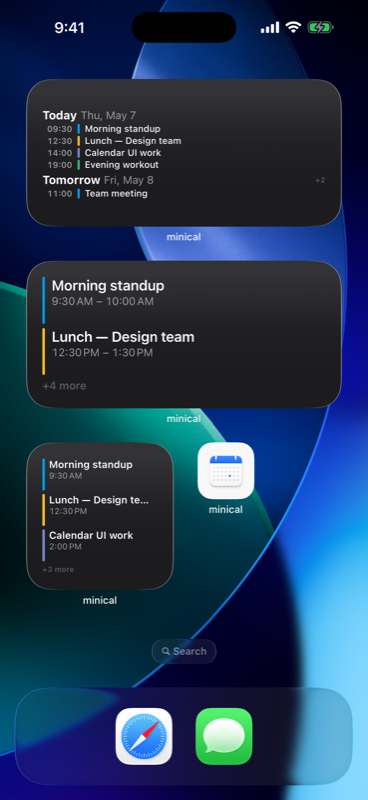
Use the compact view that fits the moment: a day summary when you are moving, a month grid when you are planning, or settings when you want to control exactly which calendars appear.
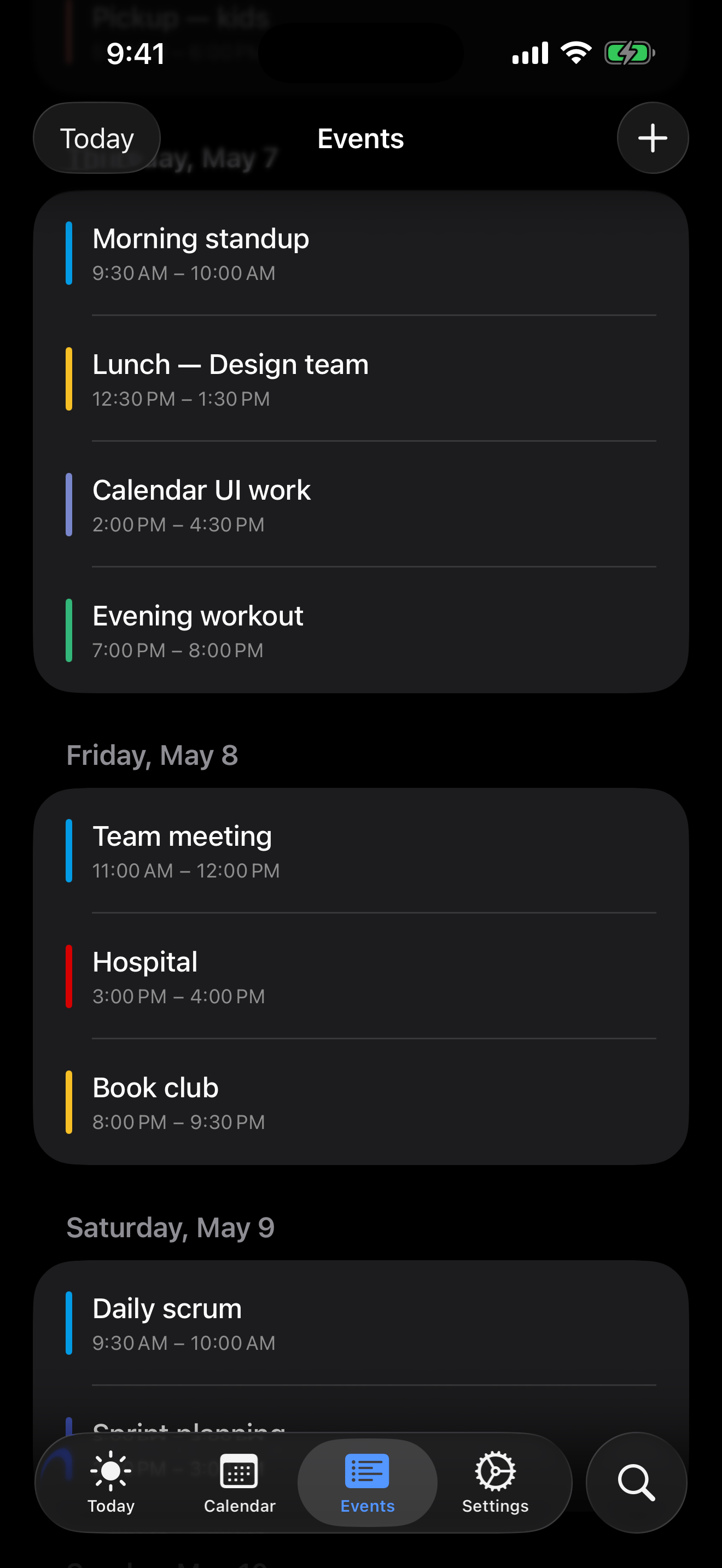
On iPad, minical keeps the same quiet structure while giving month grids, day details, and agenda lists more space to breathe.
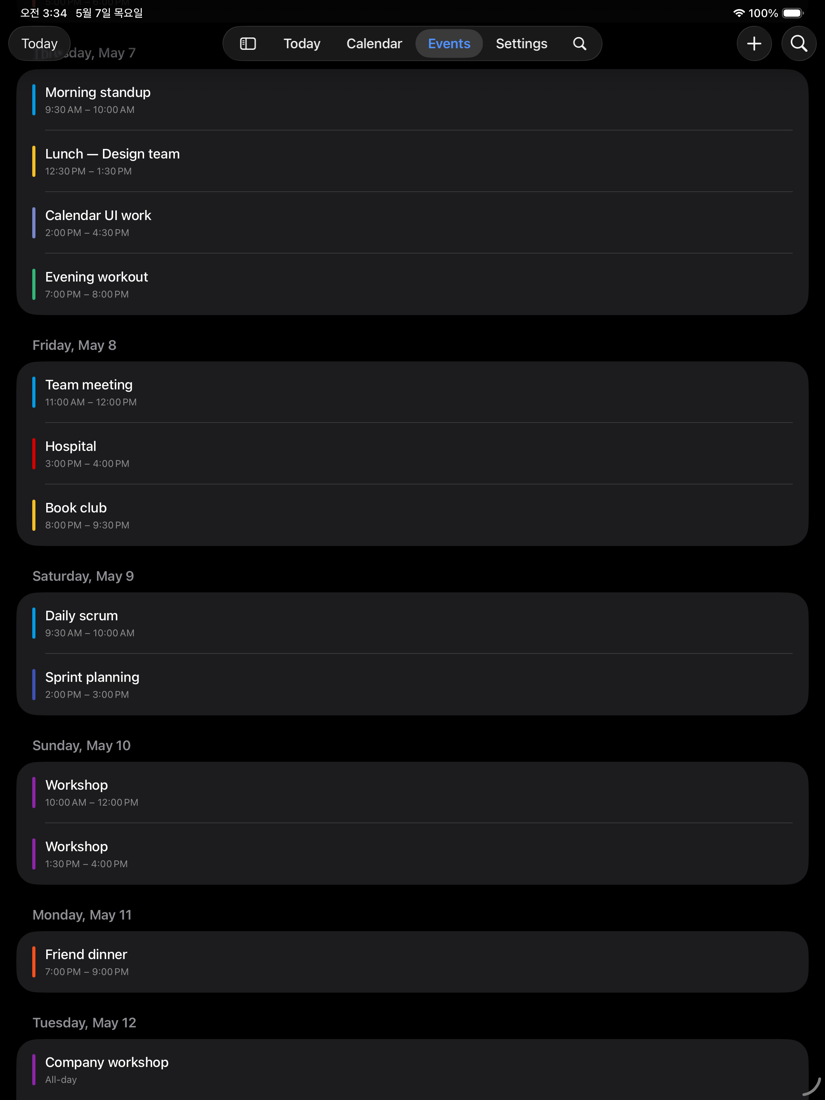
The app is designed for small repeated actions: checking the next event, adding a plan, reviewing the week, and keeping external calendars visible without extra noise.
minical favors predictable calendar behavior over automation that surprises you. Google Calendar is optional, iOS Calendar remains under system permission control, and local data stays on the device unless you enable Apple iCloud features.
Local events and settings live on your device using Apple's storage frameworks.
Upcoming events can be shown in iOS widgets and Apple Watch views without opening the app.
For support or data deletion help, contact Jin Factory through the App Store support link or email.